Everything that makes IsoWeather different
AI-generated 3D scenes, accurate WeatherKit data, and a clean interface that lets the visuals breathe.
Core features
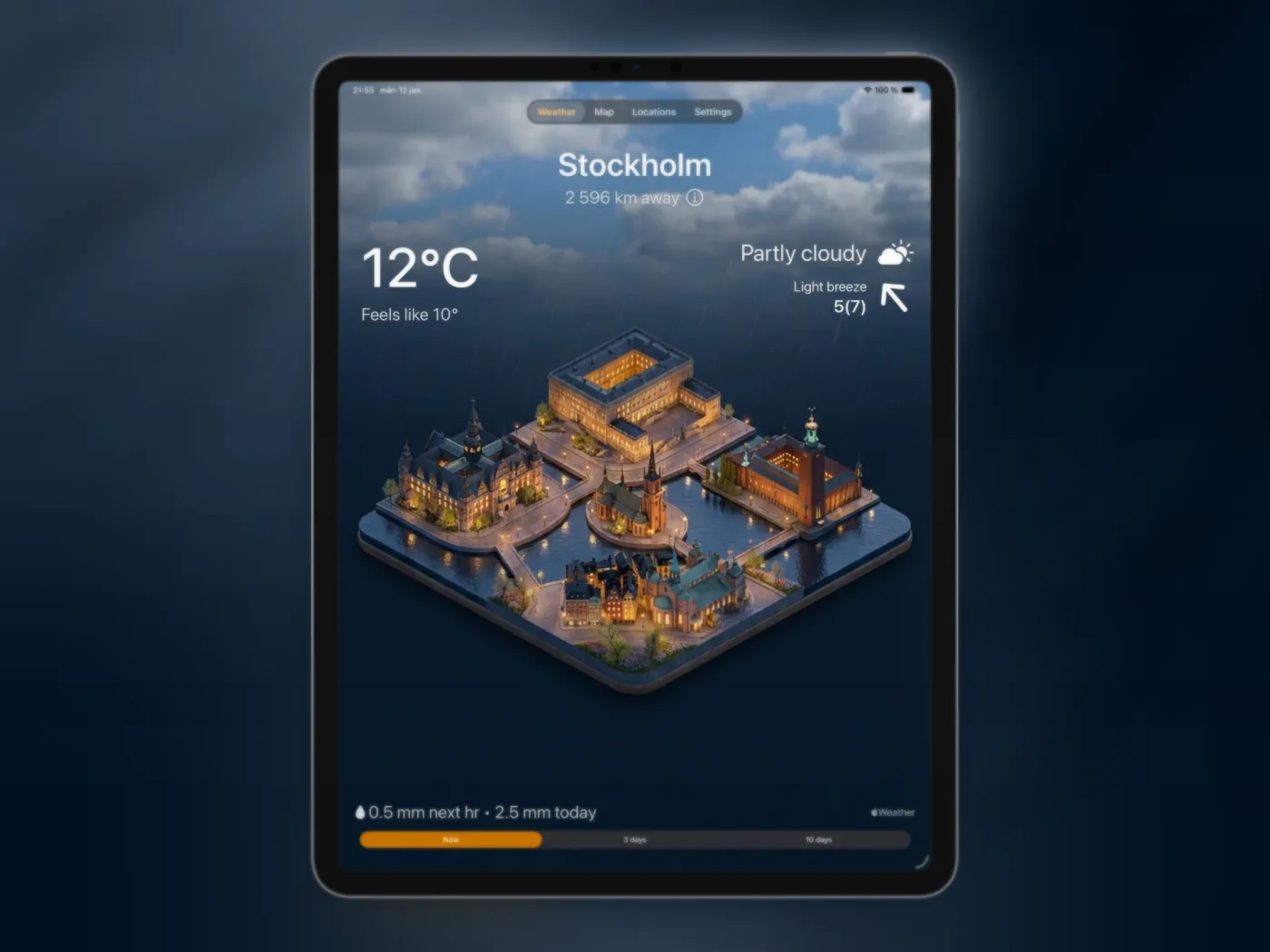
60+ variations per city
Day and night looks that shift with current conditions and seasons.
Real-time WeatherKit data
Accurate forecasts and conditions from Apple WeatherKit.
Light & dark modes
Automatic UI variants that follow your system setting.
iOS widgets
Keep the forecast on your Home or Lock Screen. Compare every iPhone weather widget format.
300+ cities worldwide
Landmark scenes for iconic destinations around the world.
Location-aware
Finds the nearest major city automatically when you open the app.
Plus custom cities
Add your own cities with Plus for personal locations outside the default list.
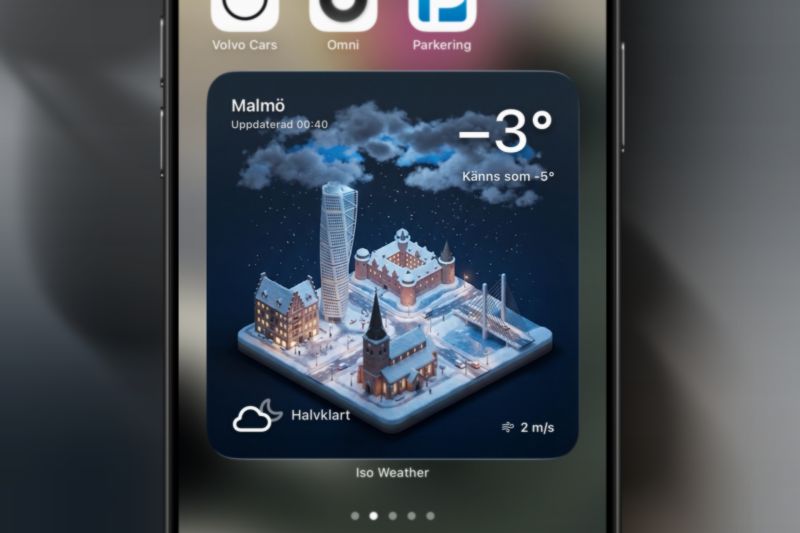
Widgets & scenes that feel alive
Widgets surface the forecast at a glance, while full scenes give your city a cinematic look. See actual sizes and setup in the iPhone weather widget guide.
- Clean overlays for temperature, wind, and precipitation.
- Day/night variations that track current conditions.
- Visual identity tailored to your city’s landmarks.
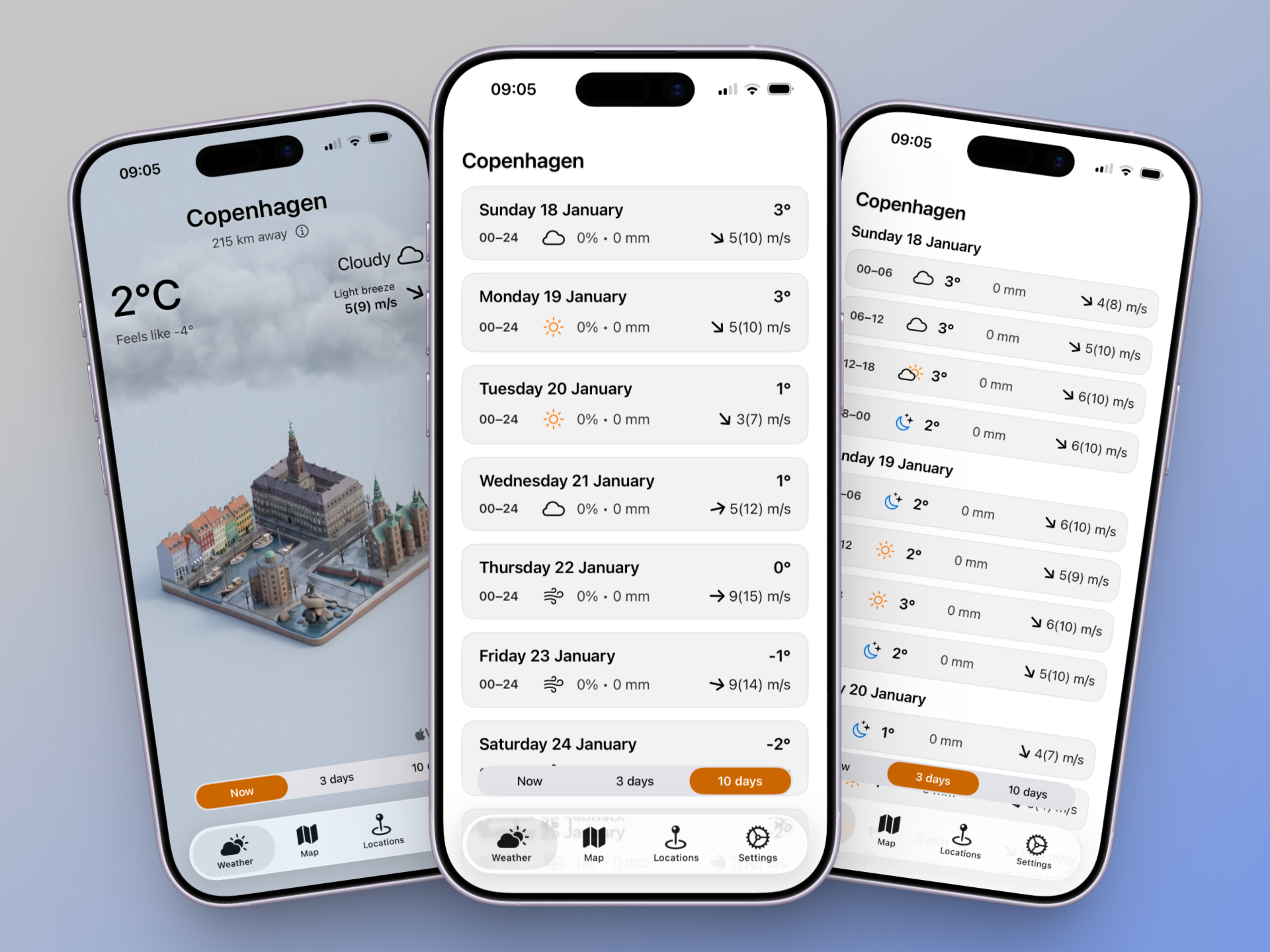
Multi-day forecasts, iPad-ready
Plan ahead on iPad with 3-day detail and a 10-day outlook that stays spacious and easy to scan.
- Extra breathing room for the 10-day timeline.
- 3-day view keeps each time block clear and readable.
- Temperature, precipitation, and wind stay legible on the larger display.
Premium upgrades
Premium unlocks one custom location per month and an ad-free experience.
- 1 custom location anywhere in the world per month.
- Expanded access to more cities and scenes.
- Ad-free experience.
Ready to try IsoWeather?
Download the AI weather app and see your forecast in 3D.
Download on App Store